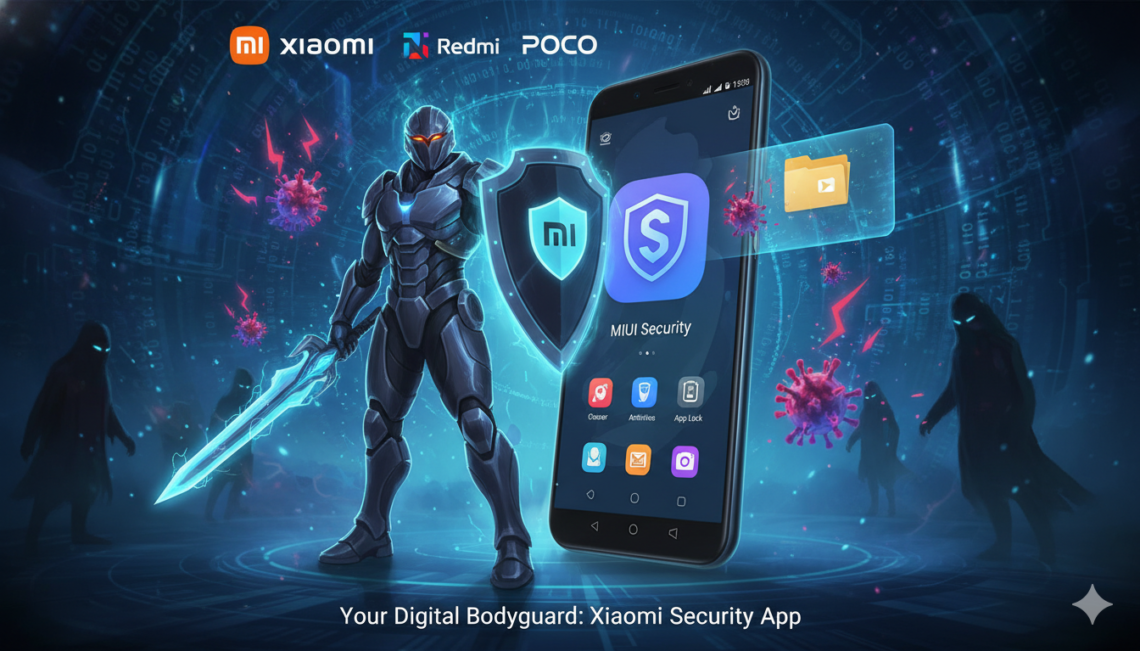
Do you ever feel like your phone is getting a little sluggish? Or maybe you worry about those sneaky viruses hiding in your downloads? If you own a Xiaomi, Redmi, or POCO phone, you already have a powerful “bodyguard” living right inside your device. It is called the Xiaomi Security App (also known as the MIUI Security App). This isn’t just a simple antivirus program; it is a full-featured toolbox designed to keep your digital life safe and your hardware running like it just came out of the box.
In this guide, we will dive deep into why this app is a must-use for every Xiaomi fan. Whether you want to lock your private photos or make your games run smoother, I’ve got you covered. Let’s explore how to master this app and keep your smartphone in tip-top shape!
What Exactly is the Xiaomi Security App?
The Xiaomi Security App is a pre-installed system application found on all devices running MIUI or HyperOS. Think of it as the “Control Center” for your phone’s health. Unlike third-party apps that you might find on the Play Store, this one is built by Xiaomi specifically for your hardware. This means it doesn’t drain your battery while trying to protect you.
It serves two main purposes: protection and optimization. It scans for malware to keep hackers away, but it also clears out digital “trash” that slows you down. If you’ve ever noticed your phone feeling warm or acting laggy, this app is usually the first place you should go to fix it.
Core Benefits at a Glance
- Built-in Antivirus: Powered by industry leaders like Avast.
- System Optimization: One-tap boost to clear RAM.
- Privacy Guard: Manage which apps can see your location or photos.
Is the Xiaomi Security App Safe to Use?
One of the most common questions users ask is: “Can I trust the built-in security?” The answer is a resounding yes. Because it is a core part of the system, it has deeper access to the phone’s “brain” than any app you download. This allows it to catch threats that others might miss.
Xiaomi uses a multi-layered approach to safety. They combine their own “HyperOS” security protocols with global virus definitions. This means your Xiaomi security app is constantly learning about new threats. I’ve been using Xiaomi phones for years, and I’ve found that sticking with the official app is much safer than installing random “cleaner” apps that are often filled with annoying ads.
Essential Features You Need to Know
| Feature Name | Primary Function | Why You Should Use It |
| Security Scan | Scans for viruses and malware | Keeps your data safe from hackers and Trojans. |
| Cleaner | Removes cache and junk files | Frees up storage space for more photos and videos. |
| Boost Speed | Clears background RAM | Makes your phone feel snappy and fast again. |
| Battery Saver | Optimizes power consumption | Helps your phone last through a long day. |
| App Lock | Adds a PIN/Fingerprint to apps | Keeps your private messages away from prying eyes. |
| Blocklist | Filters spam calls and SMS | Stops annoying telemarketers from bothering you. |
How to Perform a Full Security Scan
Running a security scan is the best way to ensure your phone hasn’t picked up any “digital bugs.” To do this, simply open the app and tap the big “Security Scan” button. The app will immediately begin checking your system files, payment environment, and installed applications.
In 2026, with the rise of AI-based threats, Xiaomi has updated this feature to include Real-Time Security monitoring. It doesn’t just wait for you to click a button; it watches for suspicious behavior in the background. If an app starts trying to send your data to a strange server, the Xiaomi security app will alert you instantly. It’s like having a 24/7 security guard for your pocket.
Cleaning Up Junk with the Cleaner Tool
Every time you browse the web or use social media, your phone saves small bits of data called “cache.” Over time, this “digital dust” builds up and takes over your storage. The Cleaner tool inside the app is specifically designed to find these useless files and delete them safely.
I usually recommend running the cleaner once a week. It won’t delete your personal photos or messages. Instead, it focuses on “obsolete files” and “package installers” that you no longer need. If you are really low on space, you can also use the Deep Clean feature. This will help you find duplicate photos and large videos that you might have forgotten about.
Boosting Performance for Gaming and Work
If you are a gamer, you know how frustrating “lag” can be. The Boost Speed feature is a lifesaver here. When you tap it, the Xiaomi security app closes background processes that are eating up your memory (RAM). This focuses all your phone’s power on the app you are currently using.
For an even better experience, look for the Game Turbo setting hidden within the security suite. It optimizes your CPU and GPU specifically for gaming. It also lets you block notifications so you don’t get interrupted during an intense match. It’s these little technical tweaks that make the Xiaomi security app a favorite among power users.
Mastering the App Lock and Hidden Apps
Privacy is a big deal. We all have apps like WhatsApp or Banking tools that we want to keep extra secure. The App Lock feature allows you to put a secondary password or fingerprint scan on specific apps. Even if you hand your phone to a friend to show them a photo, they won’t be able to open your private folders.
What’s even cooler is the Hidden Apps feature. You can actually hide the entire icon of an app from your home screen. To see them, you usually use a two-finger spread gesture on the screen and enter your password. This adds a fantastic layer of “invisible” security that is built right into the Xiaomi security app interface.
Managing Permissions and Data Usage
Have you ever wondered why a simple calculator app needs to know your location? The Permission Manager in the security app gives you the power to say “No.” You can see a list of every permission granted to every app on your phone. If something looks fishy, you can revoke that access with one tap.
Additionally, the Data Usage monitor helps you keep track of your mobile data. You can set a daily limit so you don’t accidentally go over your plan. In our connected world, being able to see which apps are “leaking” data in the background is essential for both your privacy and your wallet.
Extending Your Battery Life
The Battery & Performance section is perhaps the most-visited part of the Xiaomi security app. It provides a real-time health report of your battery. If an app is behaving badly and draining your power, the app will flag it for you. You can choose between “Balanced,” “Battery Saver,” and “Ultra Battery Saver” modes.
The “Ultra” mode is particularly impressive. It turns off almost everything except for basic calling and texting, which can make a 5% battery last for several hours! This is a “must-know” trick for emergencies or when you are traveling and far from a charger.
Solving Common Issues and Errors
Sometimes, you might see a message saying “Security keeps stopping” or the app feels stuck. Don’t worry! Usually, this is just a minor software glitch. You can often fix it by going to your phone’s settings, finding the “Manage Apps” section, and clearing the data for the security app itself.
It is also important to keep the app updated. Xiaomi frequently releases “Security Definitions” updates. These are small files that teach the app how to recognize the very latest viruses. Always make sure you are running the newest version to get the best protection possible from your Xiaomi security app.
Conclusion: Why You Shouldn’t Ignore This App
The Xiaomi Security App is much more than a pre-installed extra. It is the heart of your phone’s maintenance system. By spending just a few minutes a week using the cleaner, running a security scan, and checking your battery health, you can make your phone last years longer. It’s simple, it’s free, and it’s incredibly effective.
So, next time you see that green shield icon, don’t ignore it! Open it up, hit that “Optimize” button, and enjoy a faster, safer smartphone experience. Your phone (and your data) will thank you!
Frequently Asked Questions (FAQs)
1. Do I need to download a third-party antivirus if I have this app?
No, you generally do not need another antivirus. The Xiaomi security app uses professional engines like Avast and AVL, which are already top-tier. Adding another one might actually slow down your phone and cause conflicts.
2. Will using the “Cleaner” delete my personal photos?
No. The standard cleaner only targets system cache, advertisement junk, and temporary files. However, always be careful when using “Deep Clean” and make sure to review the files before hitting delete!
3. Is the Xiaomi Security App available for non-Xiaomi phones?
Technically, no. The app is specifically designed to work with MIUI and HyperOS frameworks. If you find a “Xiaomi Security” app on the Play Store for a Samsung or Pixel phone, it is likely a fake or a clone.
4. How often should I run a security scan?
I recommend running a security scan at least once a week or whenever you download a new app from an unofficial source. The app also does automatic scans during its “Optimize” process.
5. Can I disable or uninstall the Xiaomi Security App?
Since it is a system app, you cannot easily uninstall it. Disabling it is also not recommended, as it manages many background tasks like battery saving and app permissions that are vital for your phone to work.